
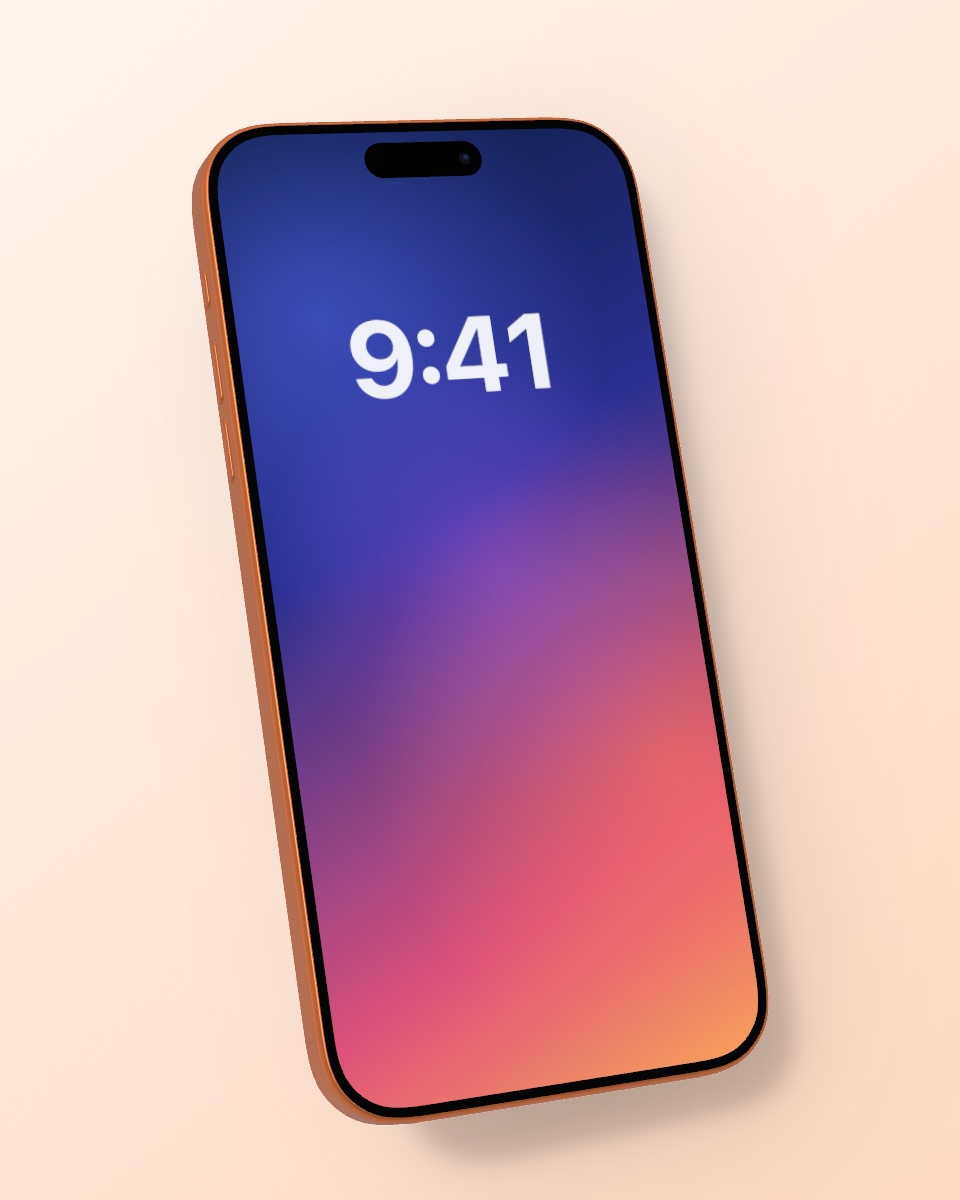
Transparent iPhone mockup PNG

Create an iPhone mockup without background: a clean cutout PNG with transparency, ready for Figma, Canva, Photoshop, Keynote or your website.

or drop / paste an image

Drag to rotate · Shift-drag or two fingers to move · Double-click to center

Size

Video mockups, 4K and sharing straight from Photos: get the free iPhone app.

A clean cutout in seconds

Choose the transparent background and Mocky exports only the device with your screenshot, everything else stays see-through. Place it on any design, slide or web page without cutting it out yourself.

Shadow on or off

For a pure cutout, turn the shadow off in the Light tab. If you want the phone to sit naturally on a light design, keep a soft shadow: it is exported with transparency, too.

Works with every tool

PNG with alpha channel works in Figma, Sketch, Canva, Photoshop, Affinity, Keynote, PowerPoint, Google Slides and on any website.

Even more in the iPhone app

The free Mocky app turns screen recordings into 3D video mockups, exports in 4K and lets you share a screenshot straight from Photos to Mocky.

  • Video mockups as MP4
  • 4K export
  • Share from any app
  • Works offline
Download on the App Store
iPhone mockup example