
Why device frames sell apps
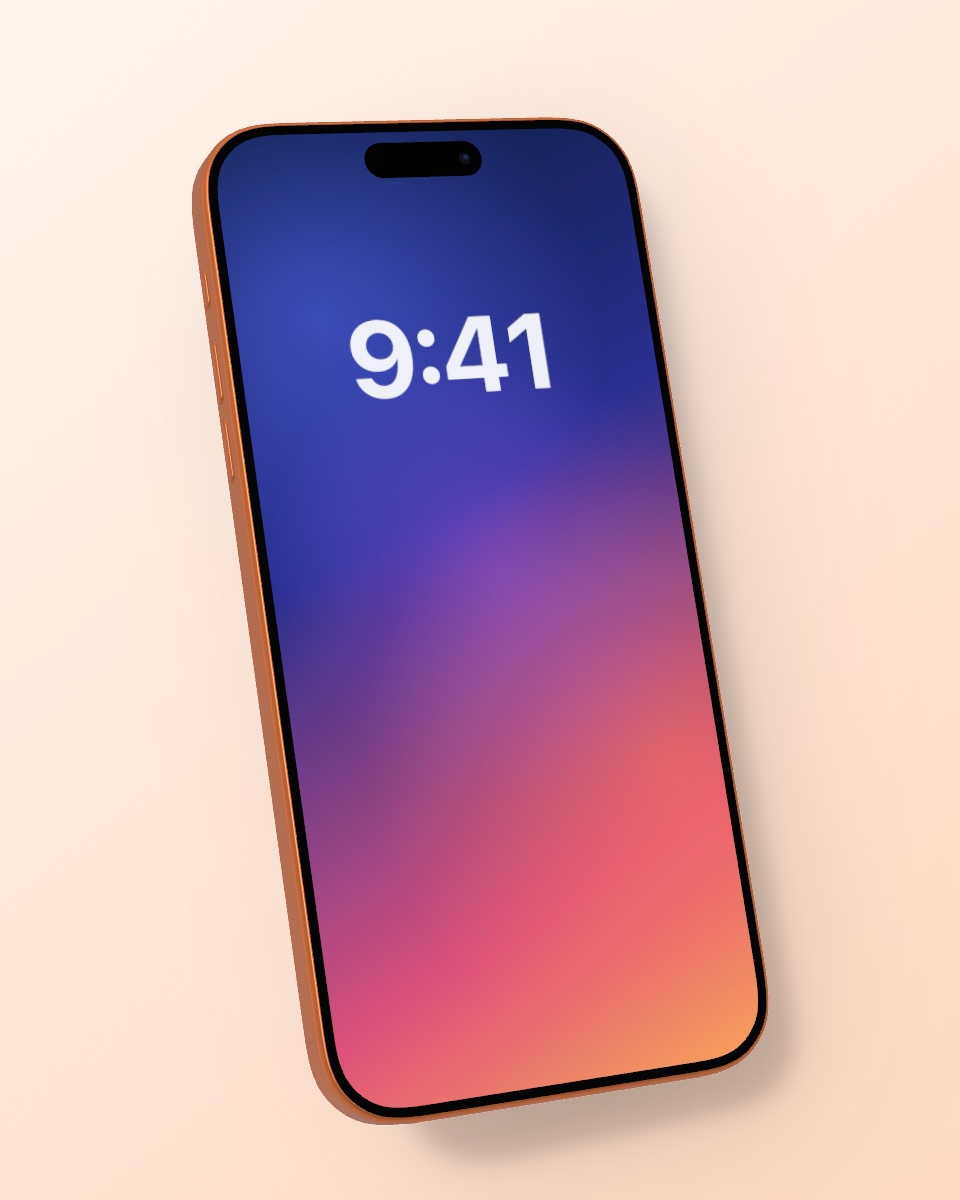
The first screenshots decide whether people download your app. Showing your screens inside a real iPhone makes them instantly recognizable as a mobile app, adds depth and looks far more polished than a flat screenshot. Mocky renders the device in real 3D with studio lighting, so your listing looks like a product shoot.
How to make App Store screenshots with Mocky
Choose the 9:16 Story format, drop in a screenshot of your app and pick a calm background color or gradient that matches your brand. Keep the phone straight for a clean look or turn it slightly for more depth. Download the PNG and add your headline in your design tool, or use it as it is.
Tips for better conversion
Show your strongest feature first, keep one message per screenshot and use the same background and angle across the whole set so it reads as a series. Bright, simple backgrounds work best in search results, while a slight angle helps the first screenshot pop.